



HoloDock
Pay once.Peek forever.
Hover a Dock icon to peek open windows, then click the one you want. A lightweight menu-bar utility for macOS — private, fast, and built for daily use.
No subscription, no account required. Buy once, download instantly, and use HoloDock on the Mac you activate it on.
One-time license
Instant download after purchase
Already purchased? Recover your download- Live window previews on Dock hover
- Click a thumbnail to jump to that window
- Snap windows to halves, thirds, and more
- Keyboard shortcuts and quick dismiss
- Menu-bar utility — stays out of your way
- Auto-hide Dock support while you choose
- Private by design — nothing leaves your Mac
Requires macOS 14 or later · Apple silicon and Intel
Features
Peek. Snap. Done.
Window snap
Resize from the peek. One click to snap.
Choose left half, center, right third, and more — without leaving the peek panel.
Settings
Deep control, without the clutter.
Appearance, behavior, permissions, and more — browse all eight panes below.
01 / 08
Core controls
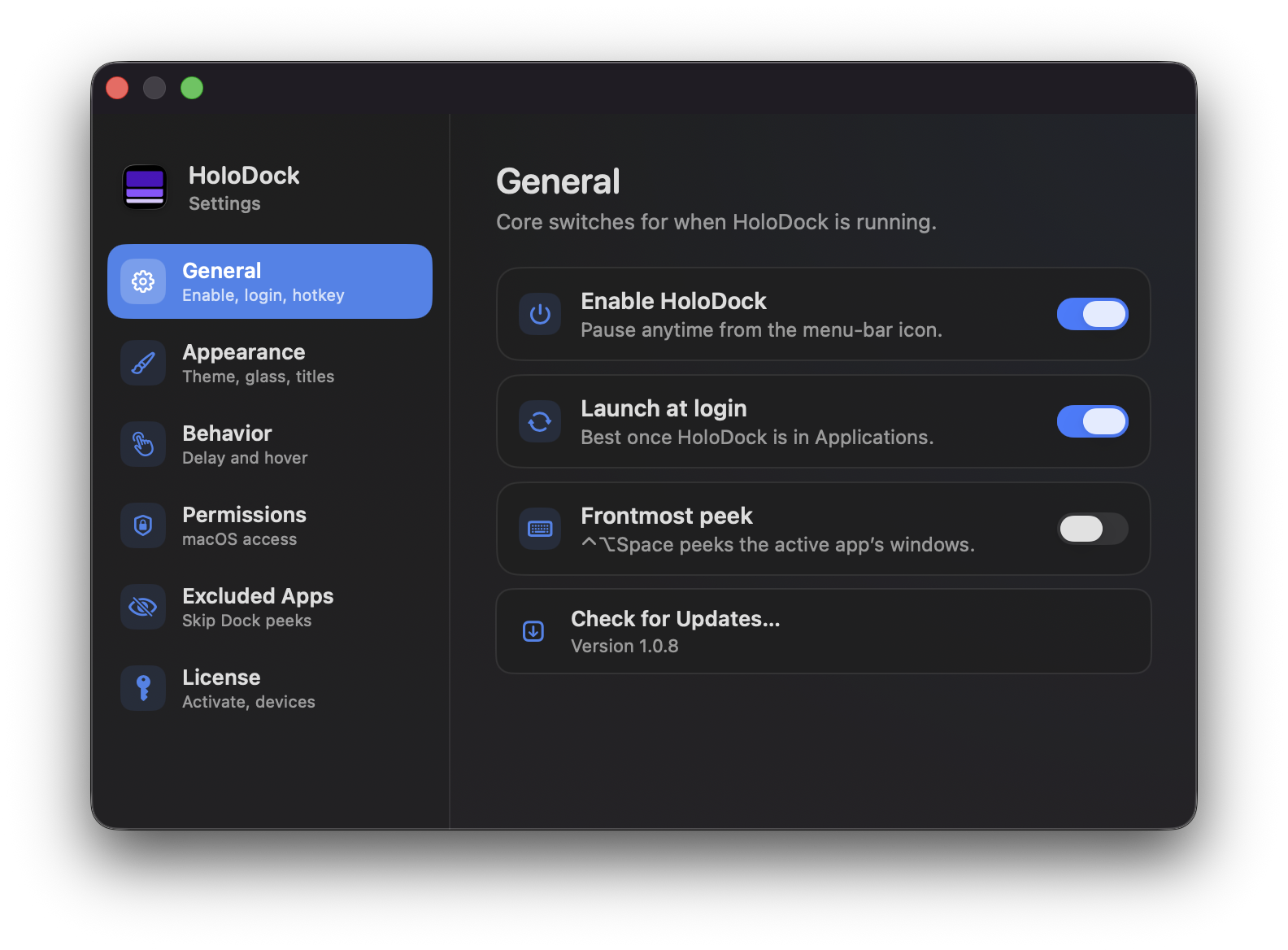
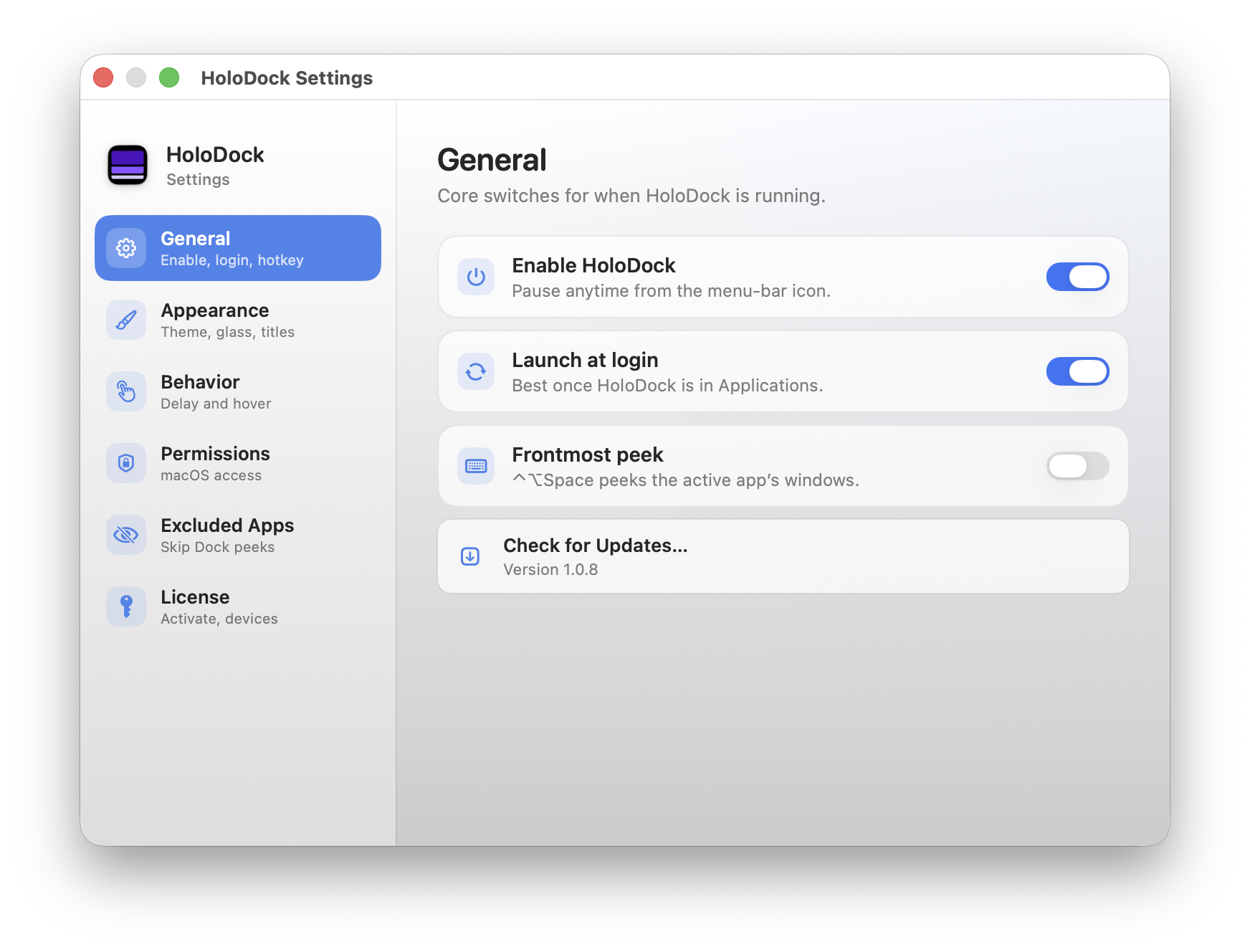
General
Turn HoloDock on or off, launch at login, and peek the frontmost app with a hotkey.
- Enable or pause HoloDock from Settings or the menu bar
- Optional launch at login once the app is in Applications
- Frontmost peek shortcut: ^⌥Space for the active app’s windows
- Built-in update check shows your current version
02 / 08
Look & feel
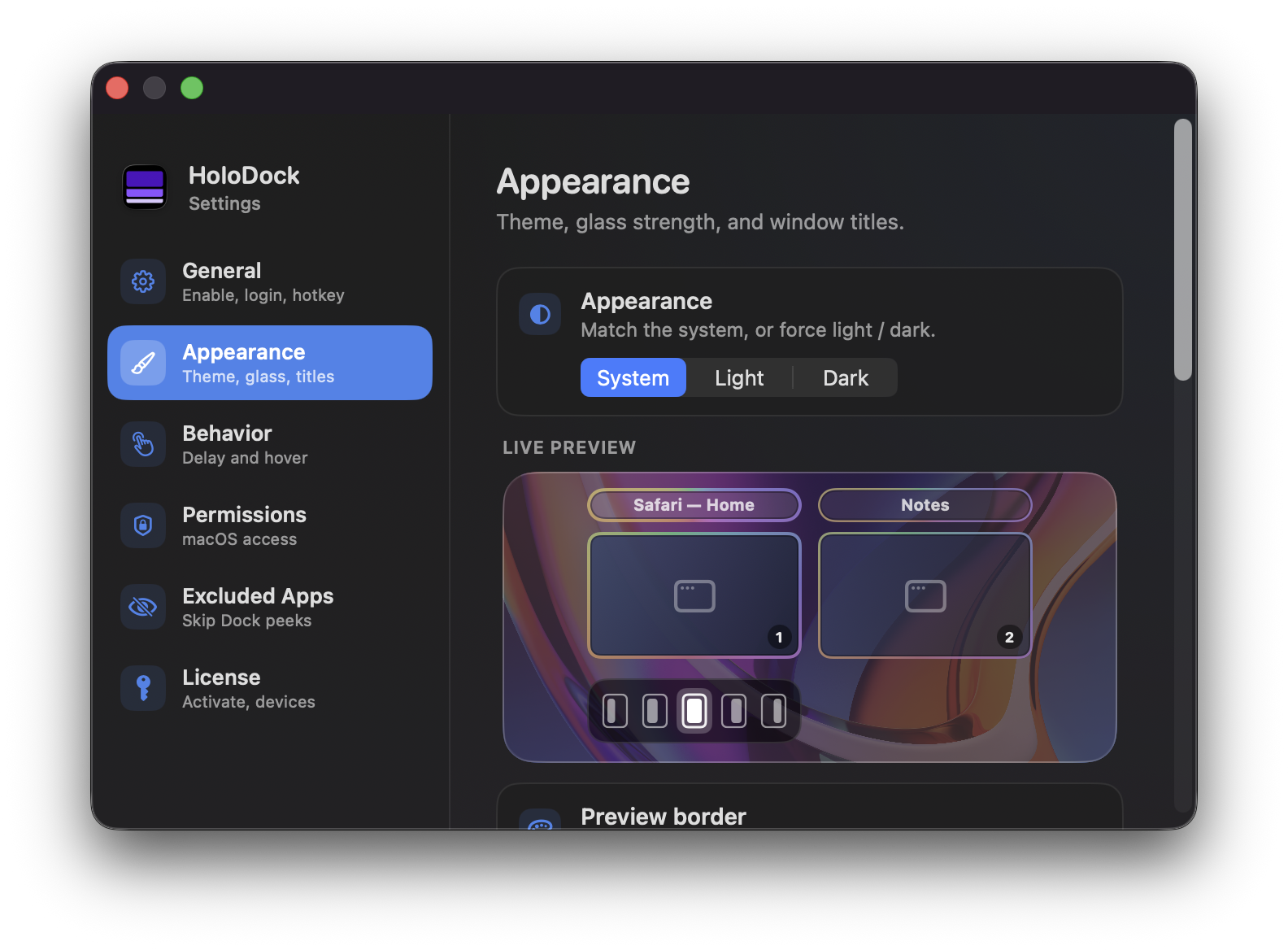
Appearance — theme
Match system light/dark mode or force either theme, with a live preview of the peek panel.
- System, Light, or Dark appearance
- Live preview shows how peeks look on your Dock
- Preview updates as you change theme and glass settings
03 / 08
Look & feel
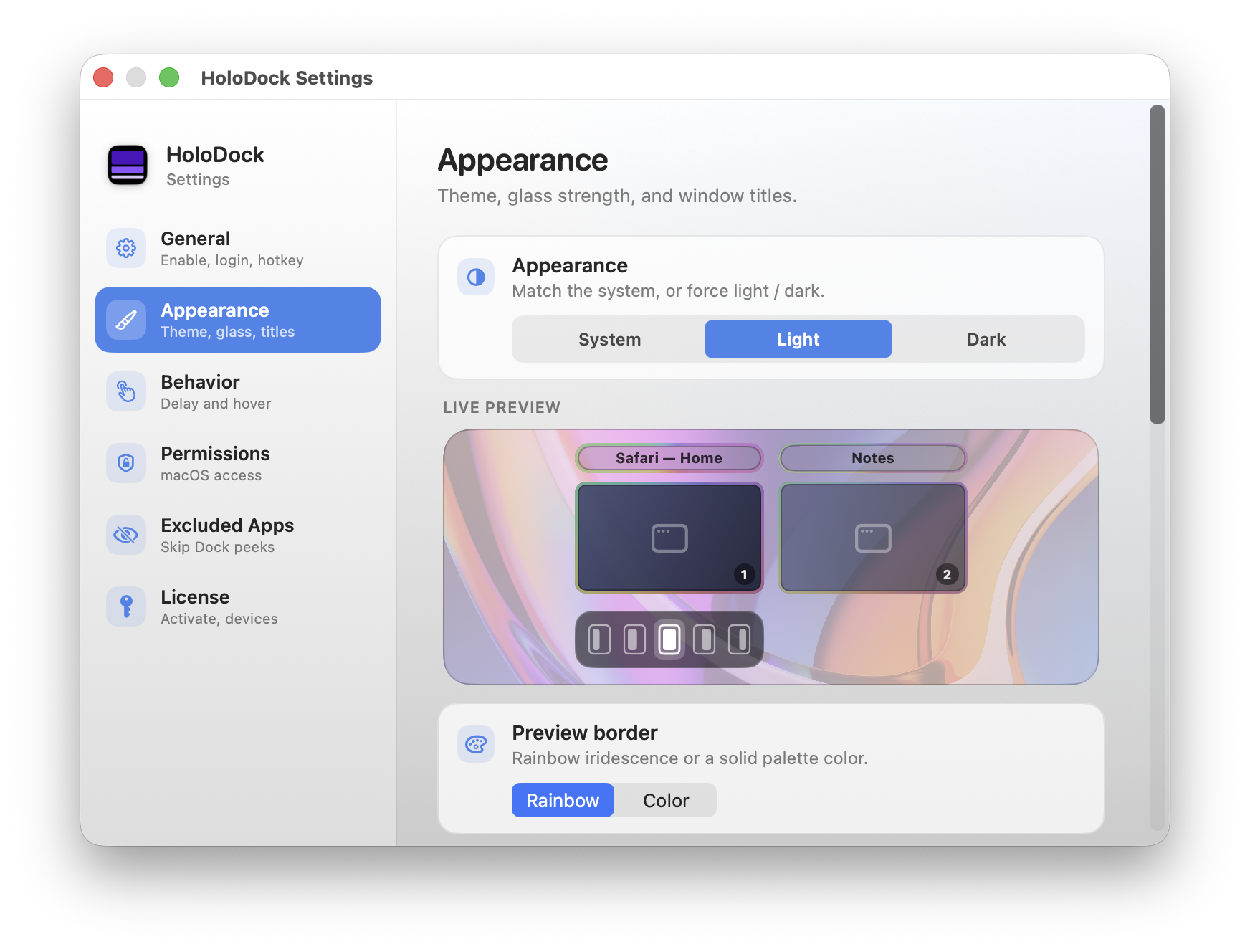
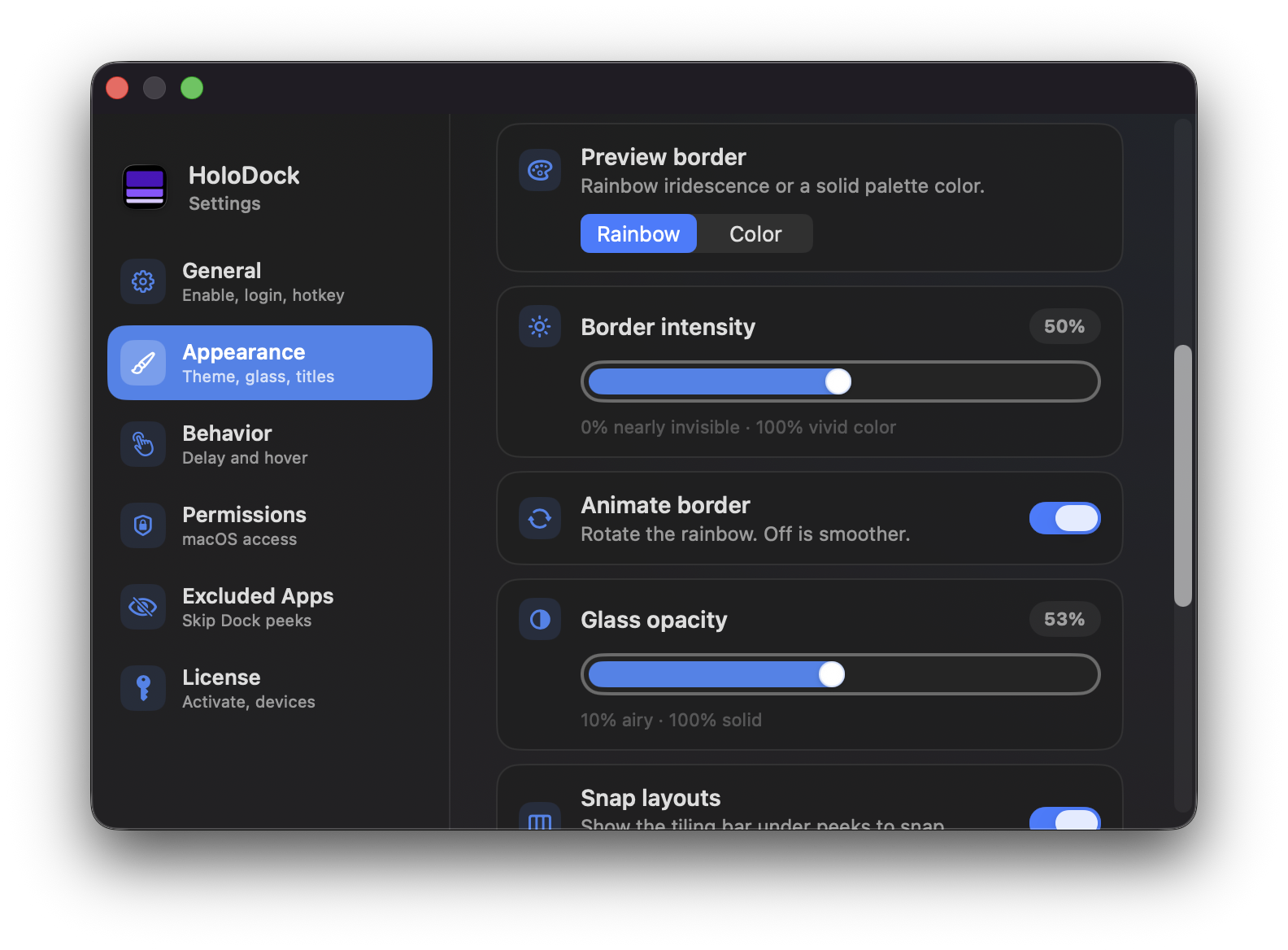
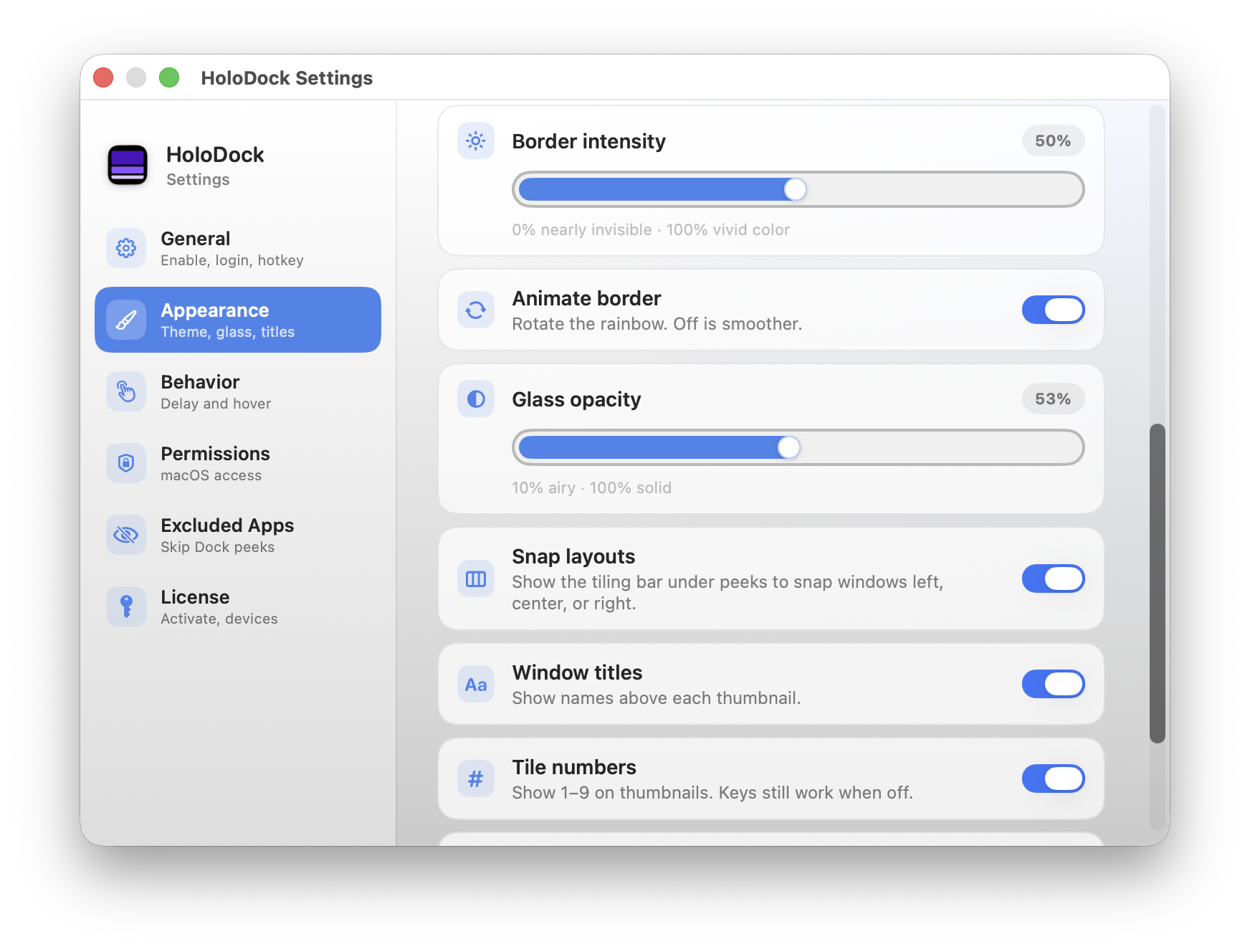
Appearance — glass & border
Tune the peek panel’s glass strength and animated rainbow or solid-color border.
- Rainbow or solid-color preview border
- Border intensity slider from subtle to vivid
- Optional animated rainbow border
- Glass opacity from airy to solid
04 / 08
Look & feel
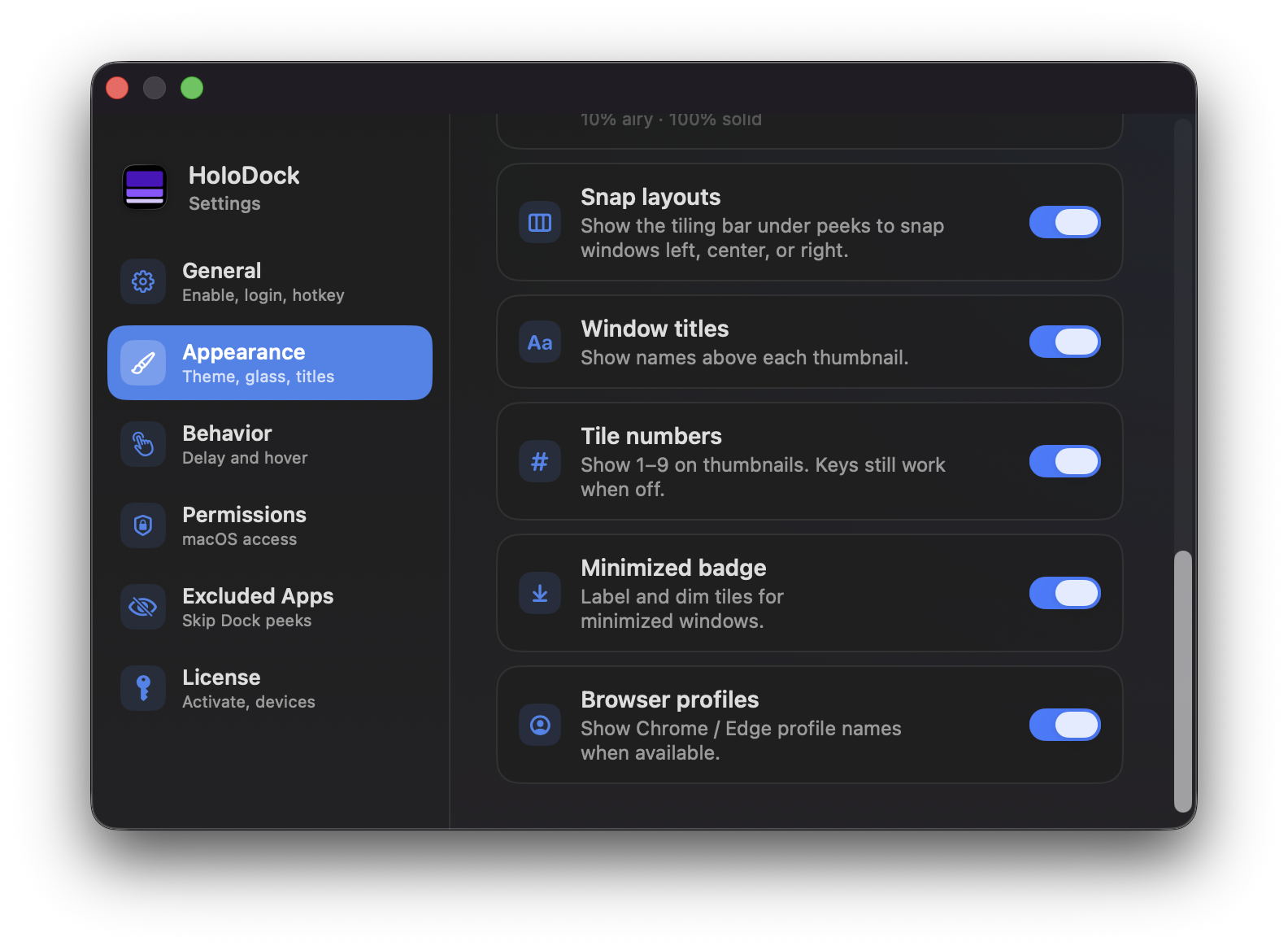
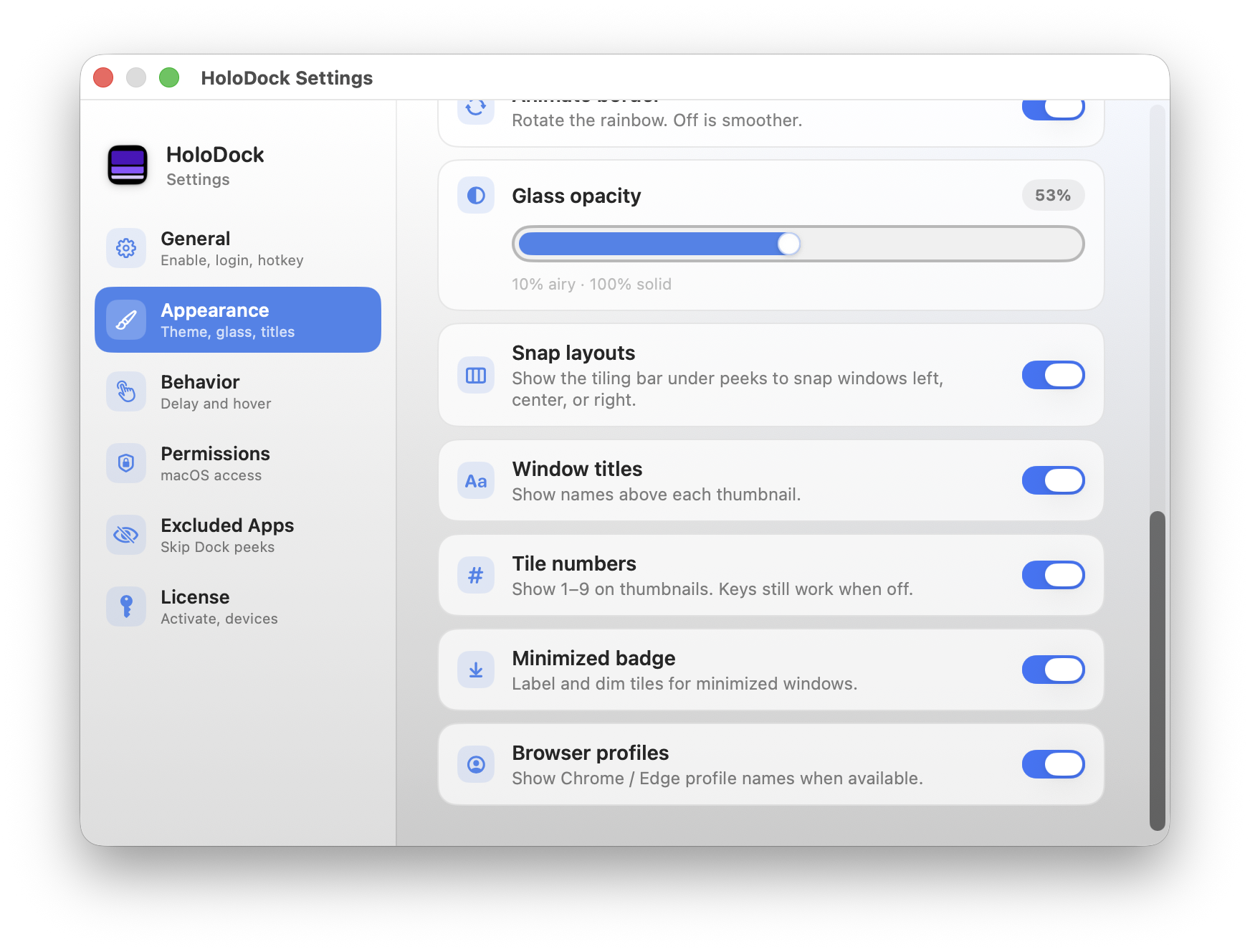
Appearance — peek details
Control labels, numbering, snap layouts, and extra context on each thumbnail.
- Snap layout bar under peeks for quick window tiling
- Window titles above thumbnails
- Optional 1–9 tile numbers for keyboard jumps
- Minimized badge and browser profile names when available
05 / 08
Pointer & timing
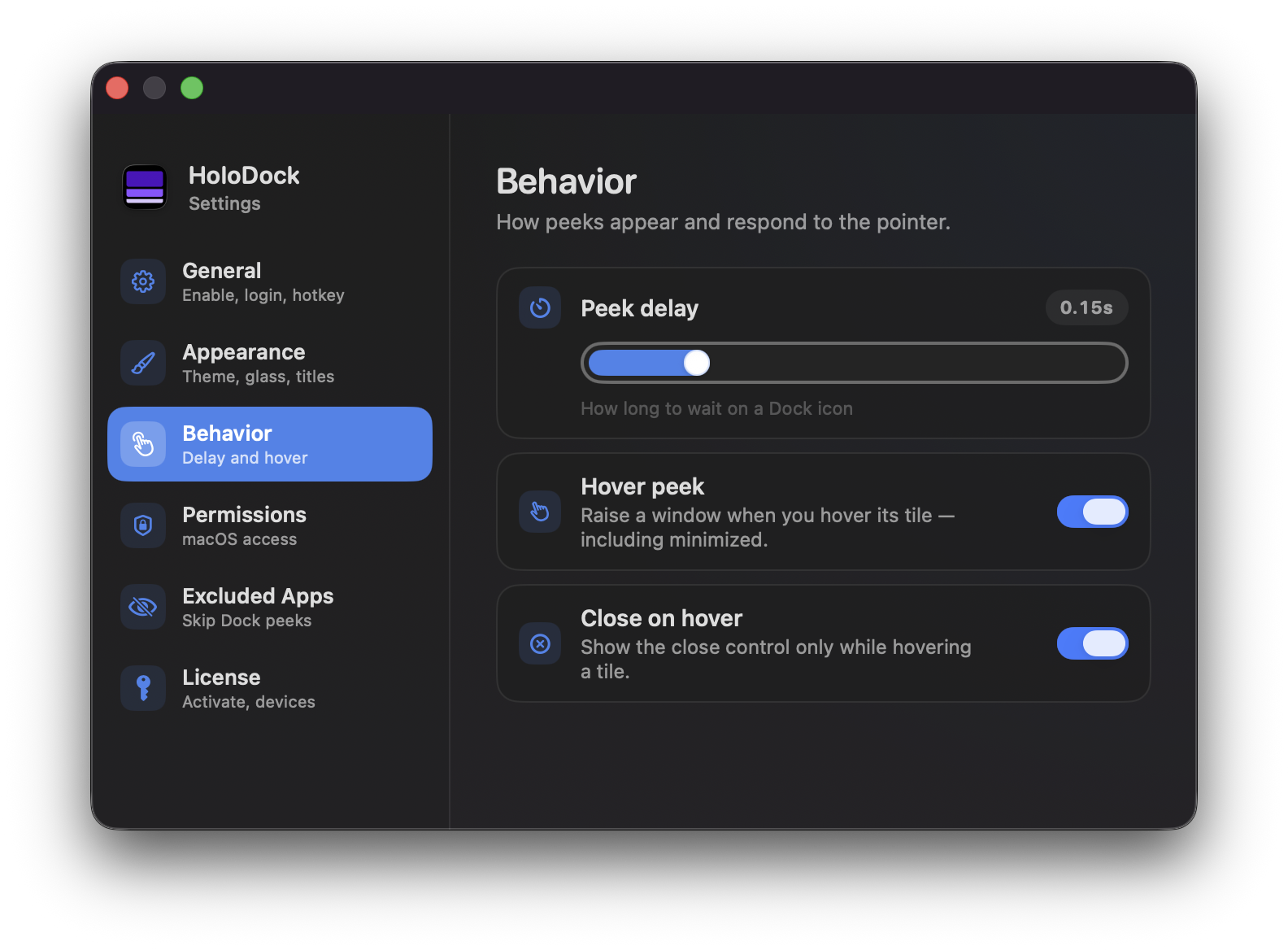
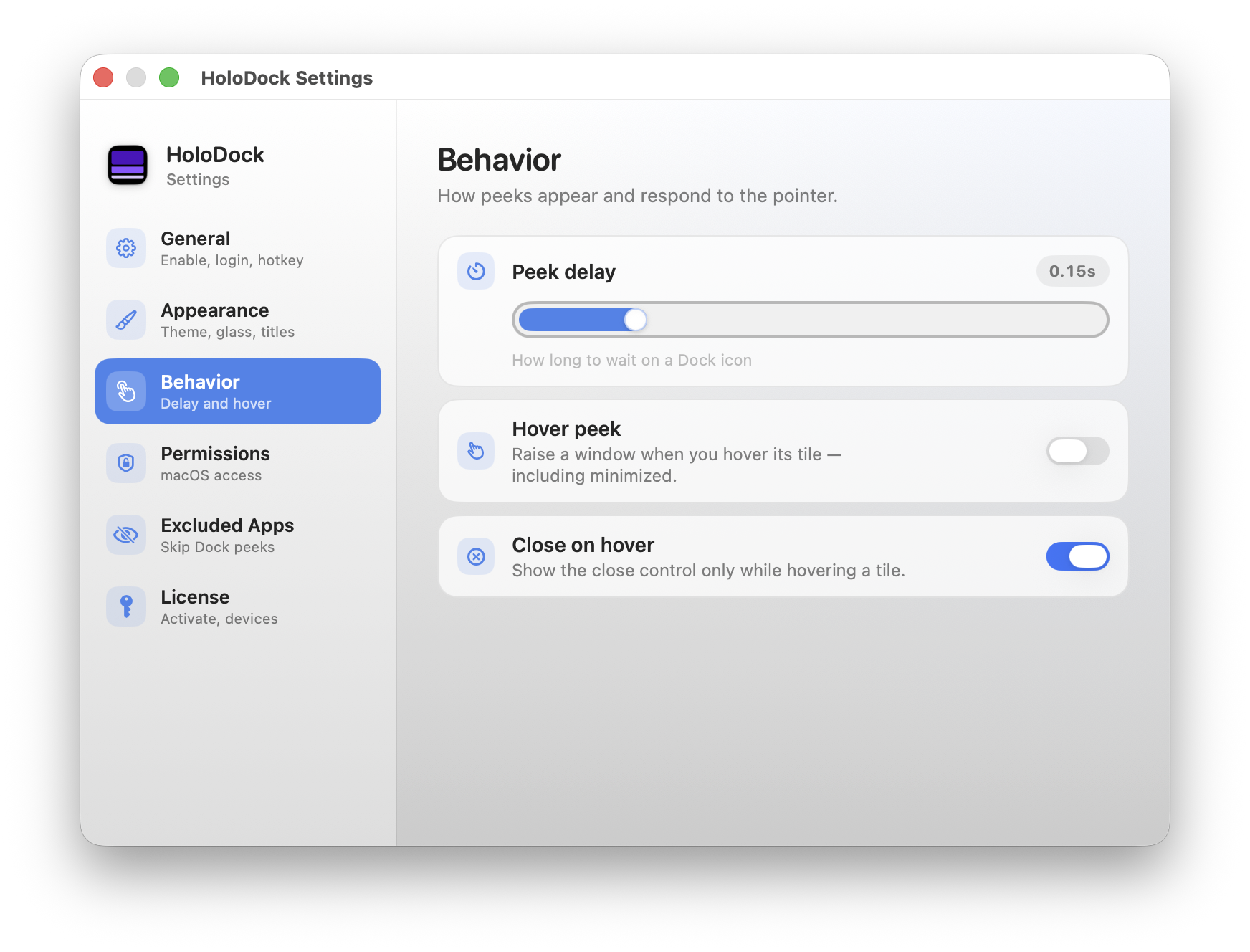
Behavior
Set how quickly peeks appear and how tiles respond when you move the pointer.
- Adjustable peek delay (e.g. 0.15s) before the panel opens
- Hover peek raises the window under the cursor, including minimized
- Close button appears only while hovering a tile
06 / 08
macOS access
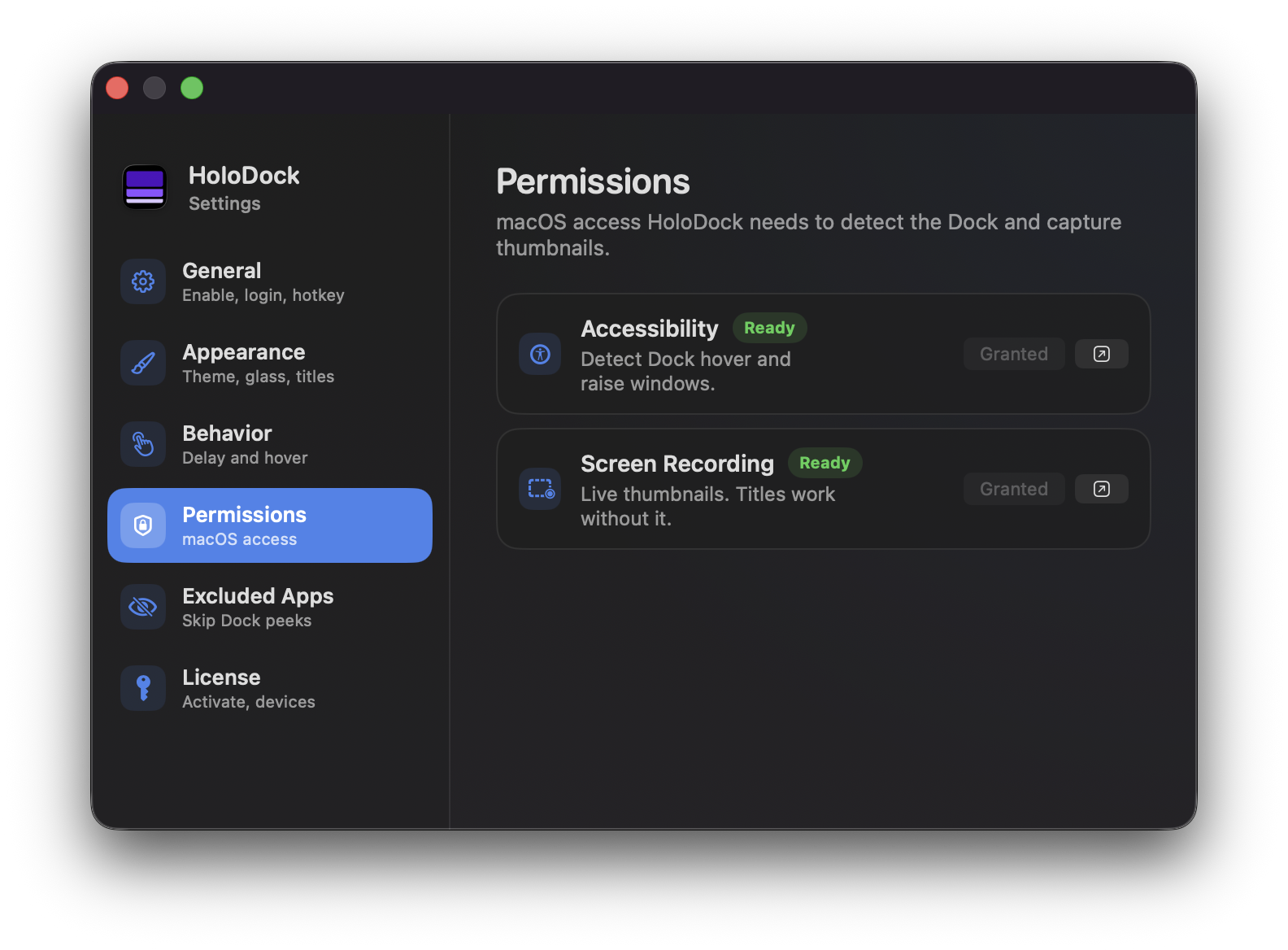
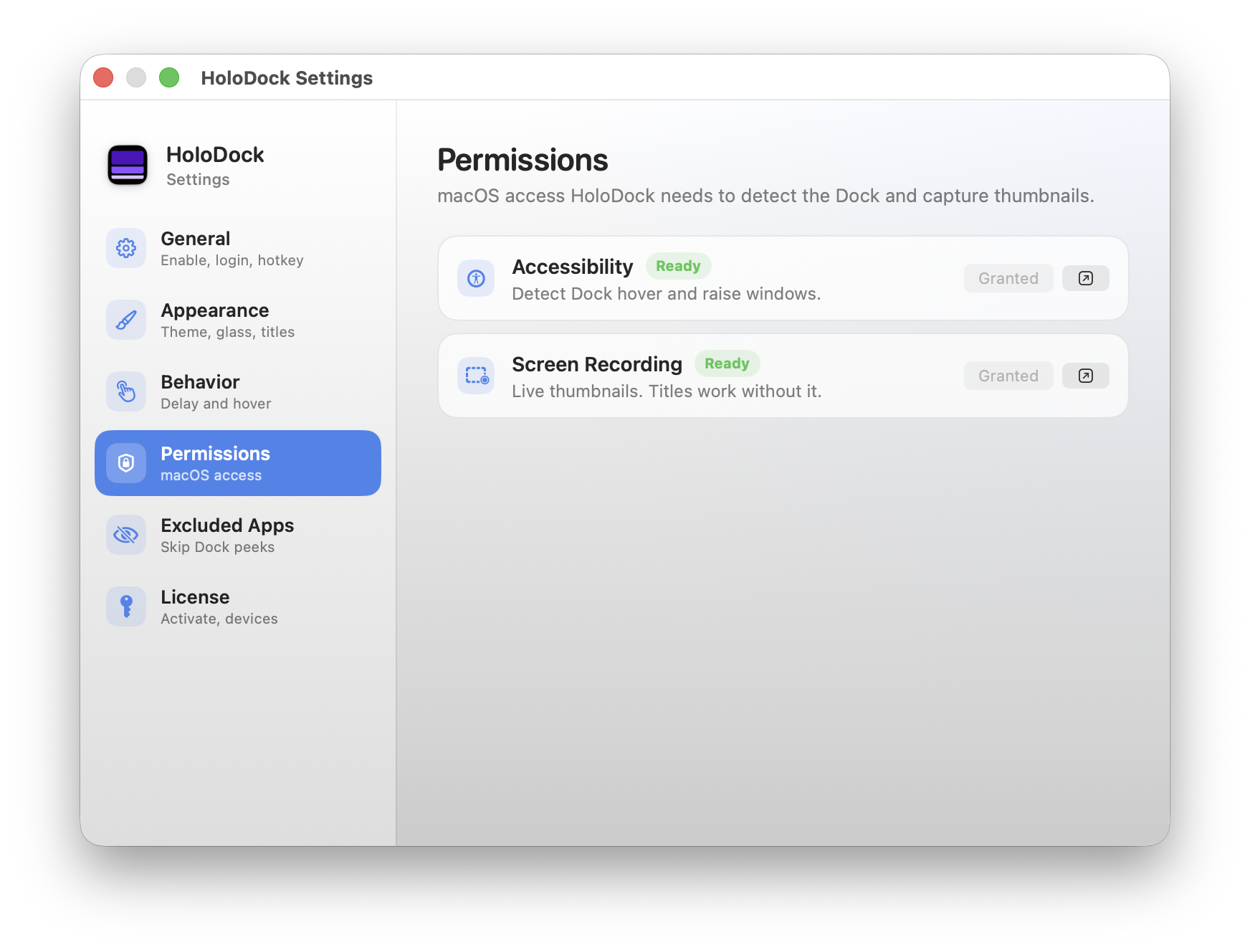
Permissions
See at a glance whether Accessibility and Screen Recording are granted.
- Accessibility — required for Dock hover detection and raising windows
- Screen Recording — optional, for live thumbnails (titles still work without it)
- Quick links to System Settings when something needs attention
07 / 08
Privacy & focus
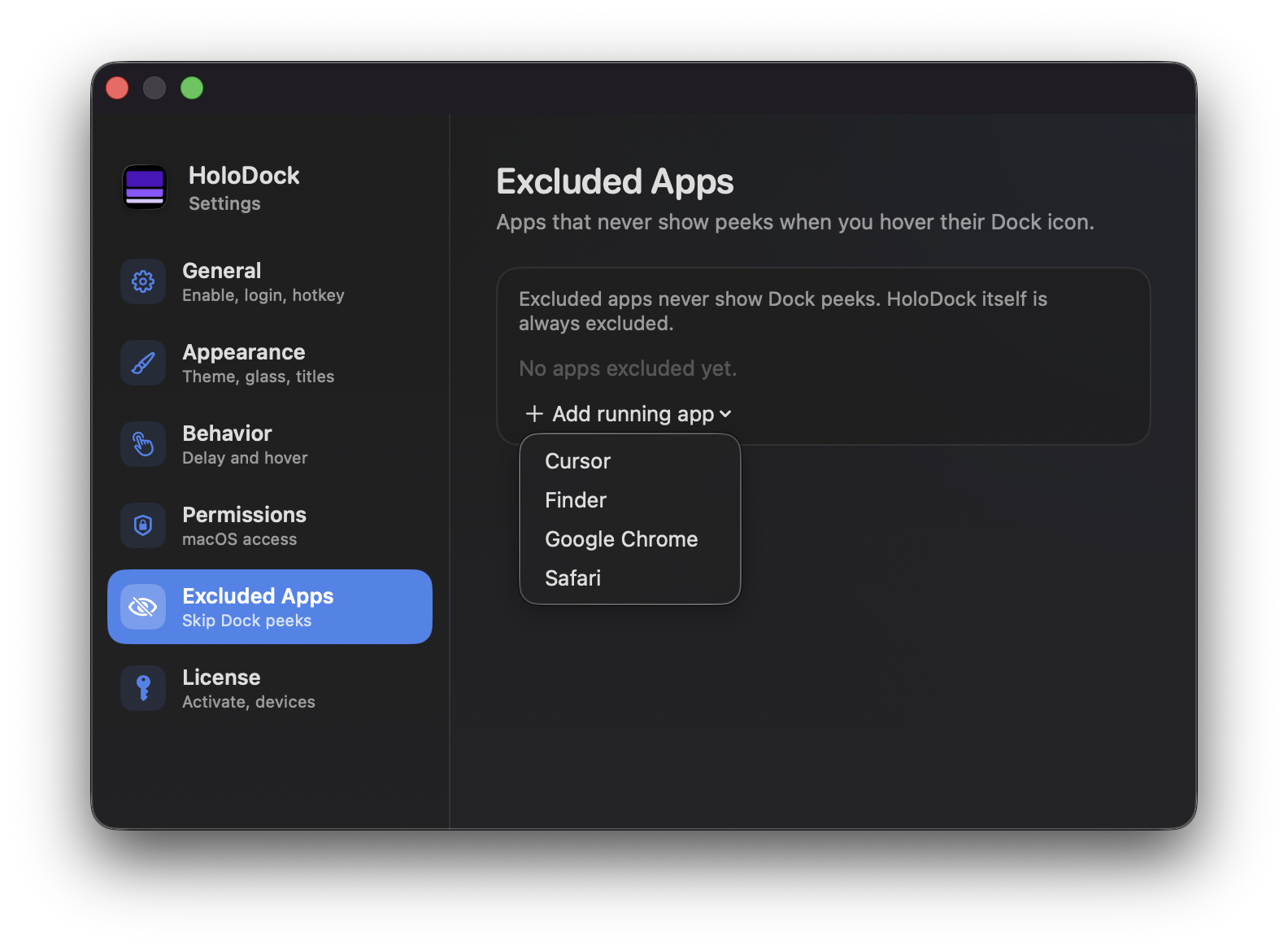
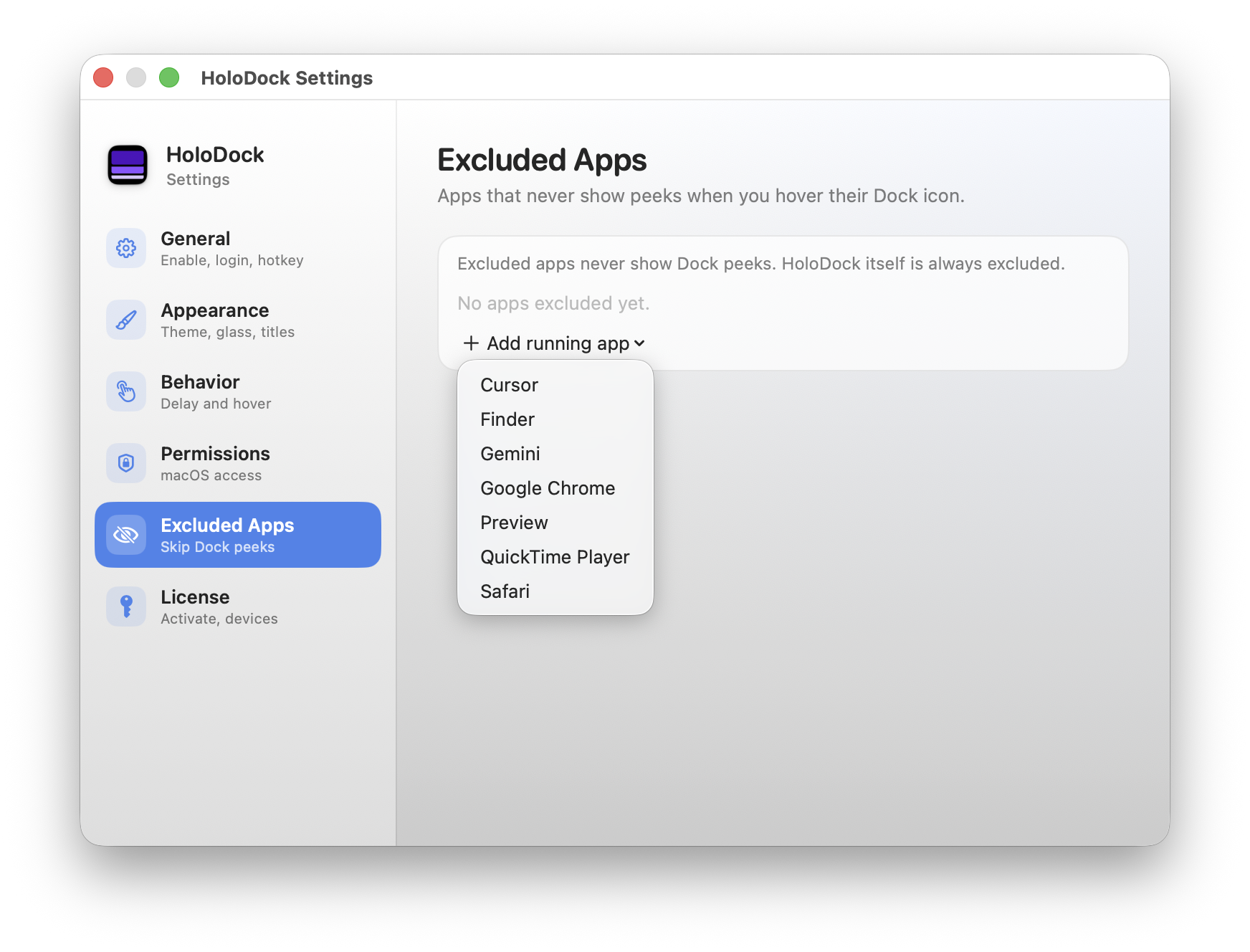
Excluded apps
Hide Dock peeks for apps you never want previewed.
- Add any running app to the exclusion list
- Excluded apps never show peeks on Dock hover
- HoloDock itself is always excluded
08 / 08
Your purchase
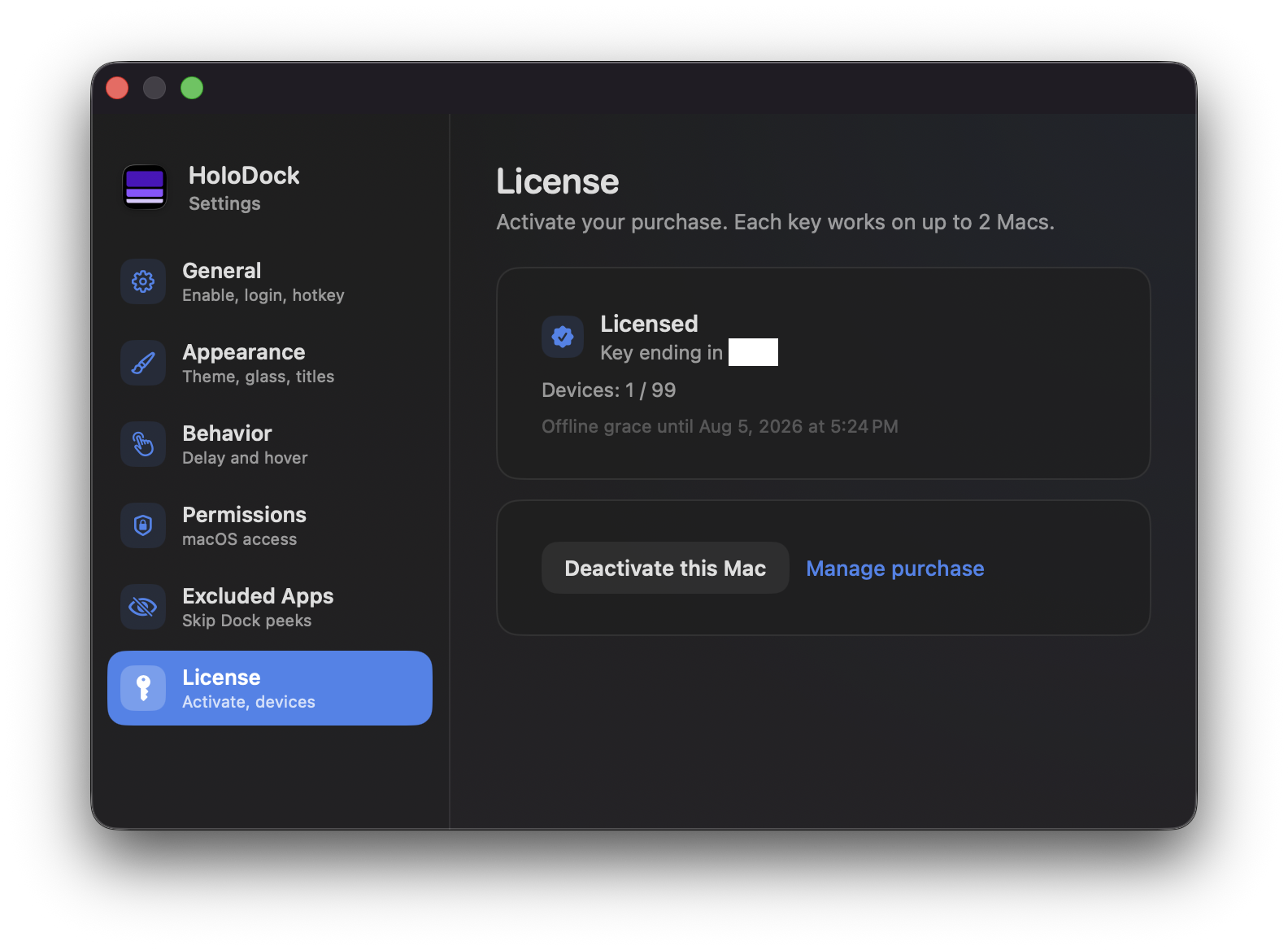
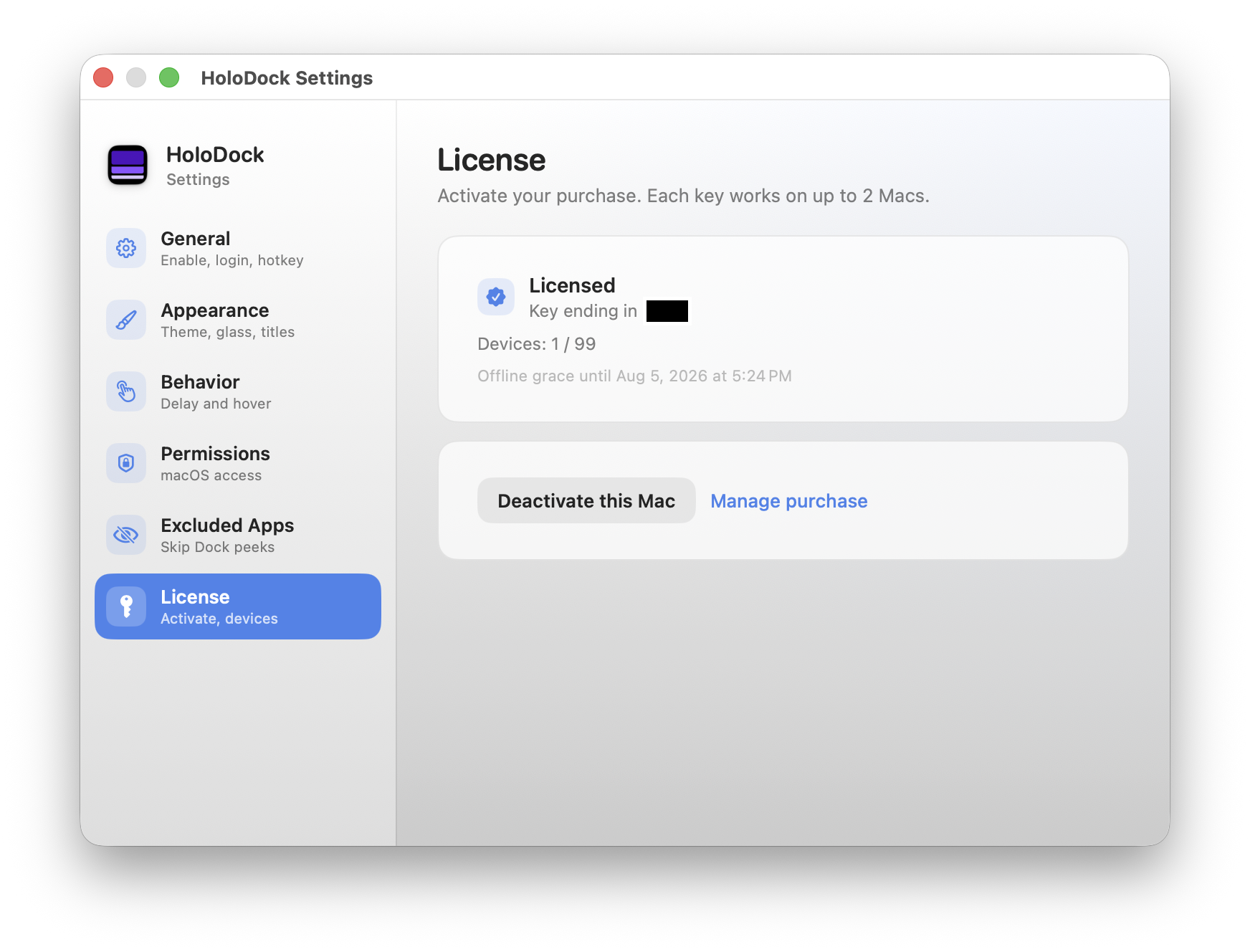
License
Activate HoloDock with your license key and manage devices tied to your purchase.
- Activate with the key from your purchase email
- See licensed status and devices in use
- Deactivate this Mac or manage your purchase online
- Offline grace period when you’re away from the network
Trust & support
Everything stays on your Mac — no cloud uploads. HoloDock needsAccessibility for Dock peeks; Screen Recording is optional for live thumbnails.
Questions? Emailhello@pixelarclabs.comor use thecontact form.